Chat Support in the Nash Portal
Last updated: December 10, 2024
Need assistance? Nash offers an easy-to-use chat support feature directly in the Portal. For immediate help with urgent matters, call 855-607-1995.
Accessing Chat Support
Locate the Help Icon: Find the question mark icon (?) in the bottom-left corner of the Portal.
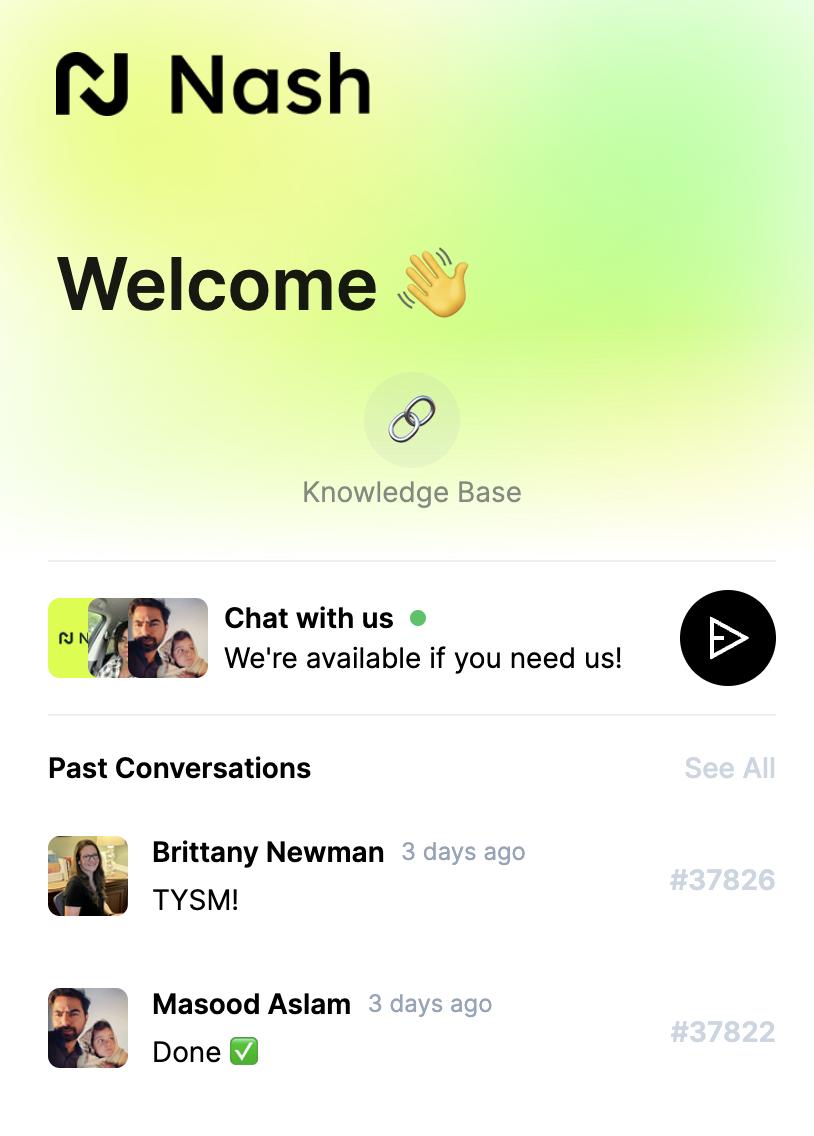
Open the Chat Box
Hover over the icon and click it to open the chat box.
Use the send arrow to start composing a new message or review past conversations.
Connect with Support: Select Chat with Us to access the Help Center and get real-time assistance.
Nash's chat support makes it easy to address any questions or concerns you may have while using the platform.