Send us a Direct Message via Slack
Last updated: December 10, 2024
Communicate directly with the Nash support team through Slack for quick and efficient assistance.
Using Nash Support in Slack
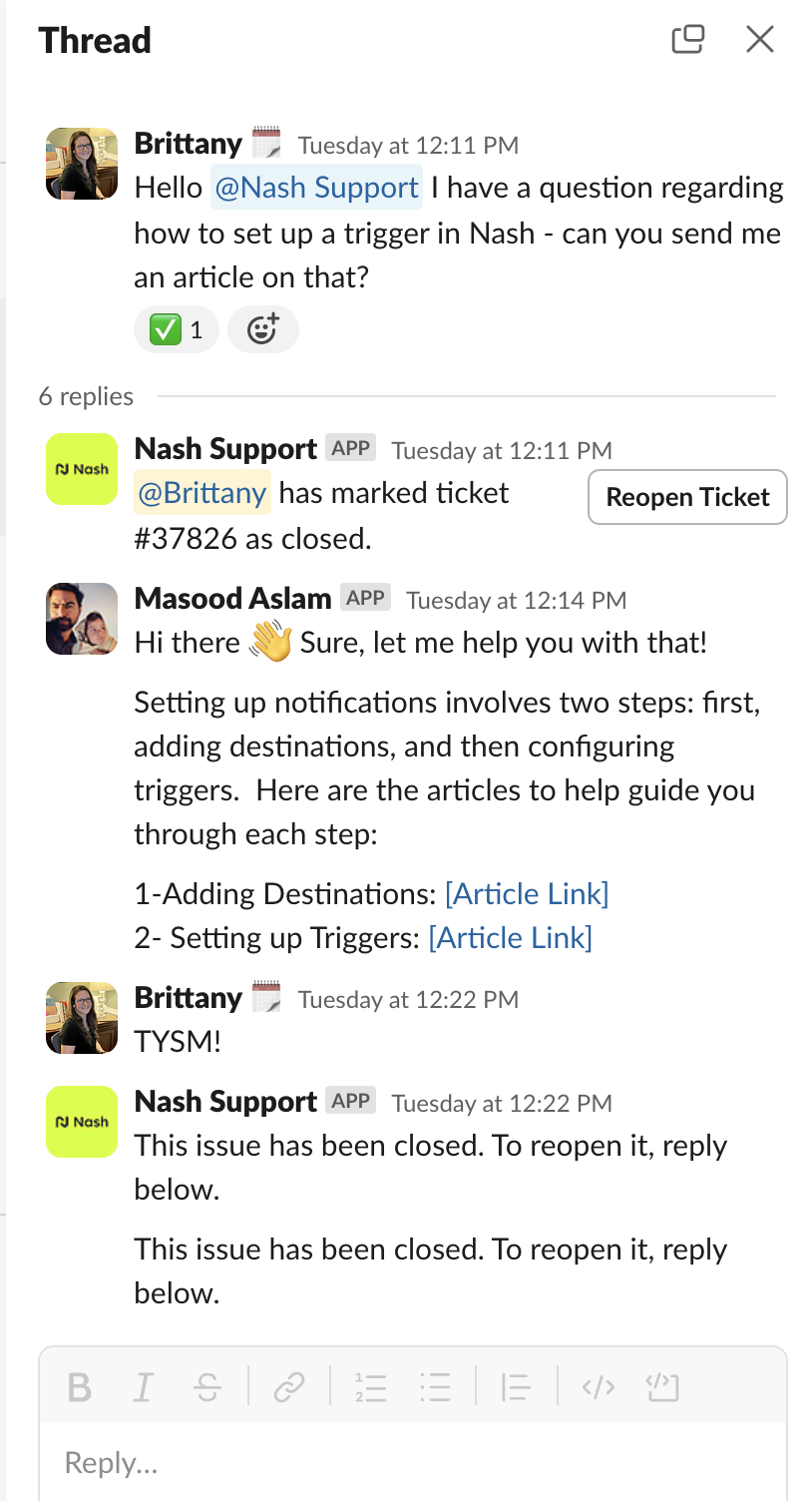
Initiate a Request: Type @Nash Support followed by your message in your Slack channel.
Track Your Ticket
A thread will start with a ticket number at the top, as shown in the example image.
Reply in the thread to communicate directly with the Nash support team.
Close the Ticket: Use the close ticket button next to the ticket number when your issue is resolved.
Troubleshooting
No Ticket Number Appears: If a ticket number doesn't generate, type @here and request for a team member to enable Nash Support in your Slack channel.
Nash Slack integration ensures efficient communication and resolution of issues within your workspace.