Complete Single Deliveries
Last updated: February 4, 2026
Starting Pickup
Indicate you're beginning the delivery process and heading to pickup.
Open the delivery from your
ActiveTab by clicking on the delivery card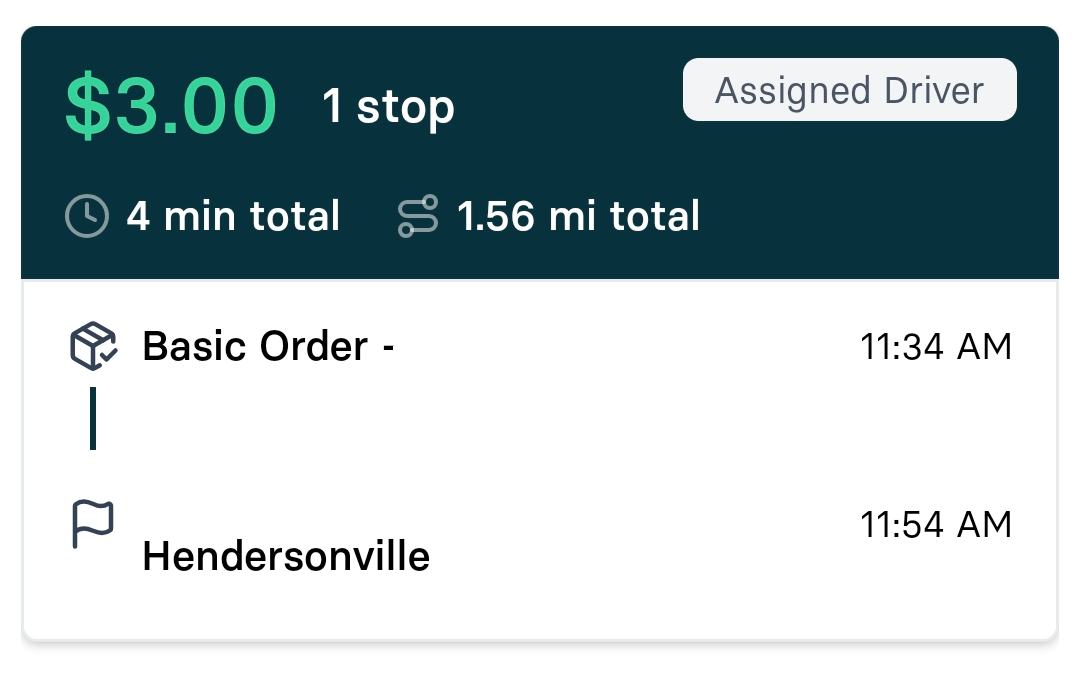
Click the
Start Routebar
Select the pickup address button to open your navigation app
Note: You may receive an alert if starting too early. Select No if you're not ready to begin immediately.
Arrive at pickup
Once you arrive at the pickup location, the app will automatically detect your arrival through geofencing.
Fulfill pickup requirements
Different deliveries may require various verification steps. You must complete all the steps in the app before starting the dropoff:
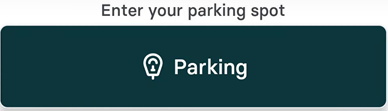
Enter Parking Bay Number - if required, this will be the first verification step you must complete.
Scan Barcode on packages (For more information, see 📄 Scan barcodes during pickup/dropoff)
Take Photo Proof of Pickup
Enter optional notes about the pickup if needed.
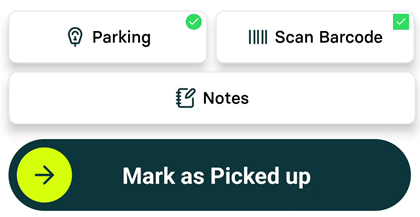
Complete the pickup
Slide the Mark as Picked Up bar to proceed to dropoff.
Arriving at dropoff
Begin routing to the customer's location.
Select the dropoff address button to open your navigation app
Once you arrive at the dropoff location, the app will automatically detect your arrival through geofencing.
Fulfill dropoff requirements
Different deliveries may require various verification steps. You must complete all the steps in the app before completing the delivery:
Scan Barcode on packages (For more information, see 📄 Scan barcodes during pickup/dropoff)
Take Photo Proof of Dropoff
Capture customer signature
Complete Age Verification
Perform ID Verification for restricted items
Complete the dropoff
Slide the Mark as Delivered bar to complete the delivery.
You will then be returned to the Active tab.