Grant app permissions
Last updated: August 3, 2026
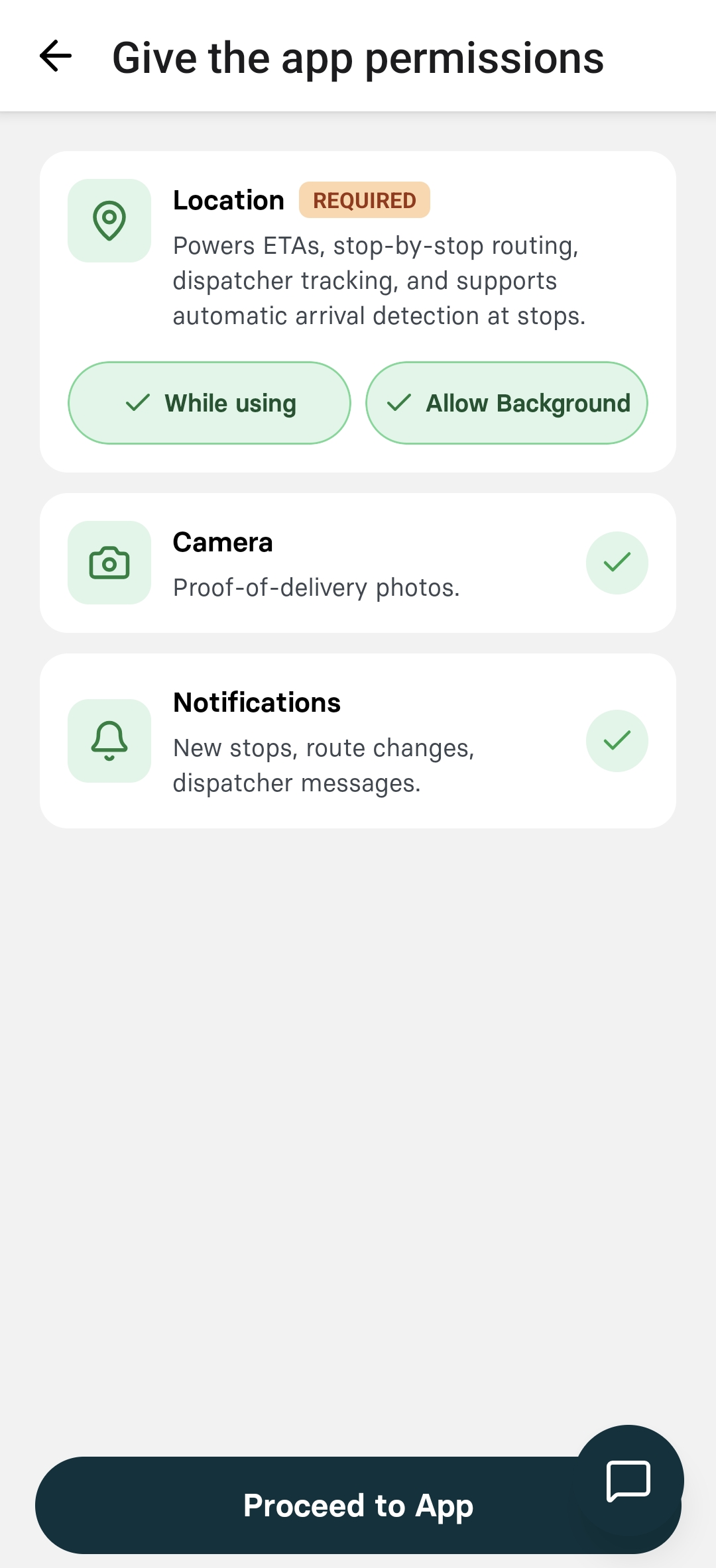
The Nash Driver App requires specific permissions to function properly. Without these permissions, you cannot accept or fulfill orders.
Accessing permissions
You permissions page is displayed immediately after logging in. Or if you are already logged in, you can also access by following these steps:
Click on the profile image in the top left corner
Open the Permissions menu
Required permissionsGrant the following permissions when prompted:
|  |