Failing a delivery
Last updated: February 4, 2026
When circumstances prevent delivery completion, use the fail delivery feature to notify the Provider Organization and arrange returns if necessary.
You can fail a delivery at pickup or at dropoff.
To fail a package during barcode scanning, see Handle scanning issues in 📄 Scan barcodes during pickup/dropoff
Indicate the failure
Select the ⋮ symbol in the upper right corner
Choose the reason for delivery failure from the provided options
Follow any additional prompts for your specific situation
Failure Reasons
There are multiple failure reasons to choose from - choose the one that best matches the situation.
Pickup Reasons | Dropoff Reasons |
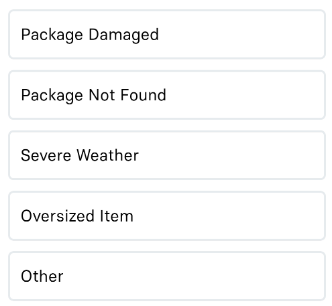 | 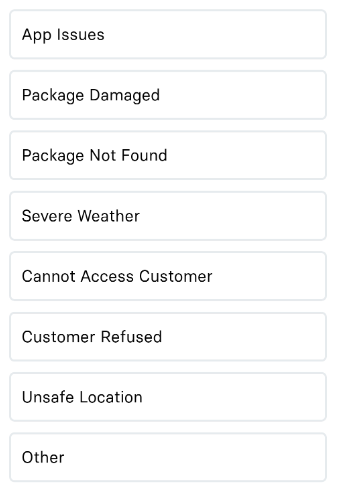 |
Complete the return process
Failed deliveries may generate a return trip. If this is the case, a return trip will automatically begin at the end of your other deliveries. For more information, see 📄 Returns