Skipping a Delivery in a Batch
Last updated: November 12, 2025
Use this feature when a delivery in a batch can not be completed, but another attempt will be made at the end of the batch to complete the delivery.
Skip the Delivery
Once the delivery is skipped, you can return to it at any time to attempt delivery again by going back to the batch dashboard and selecting the delivery. | 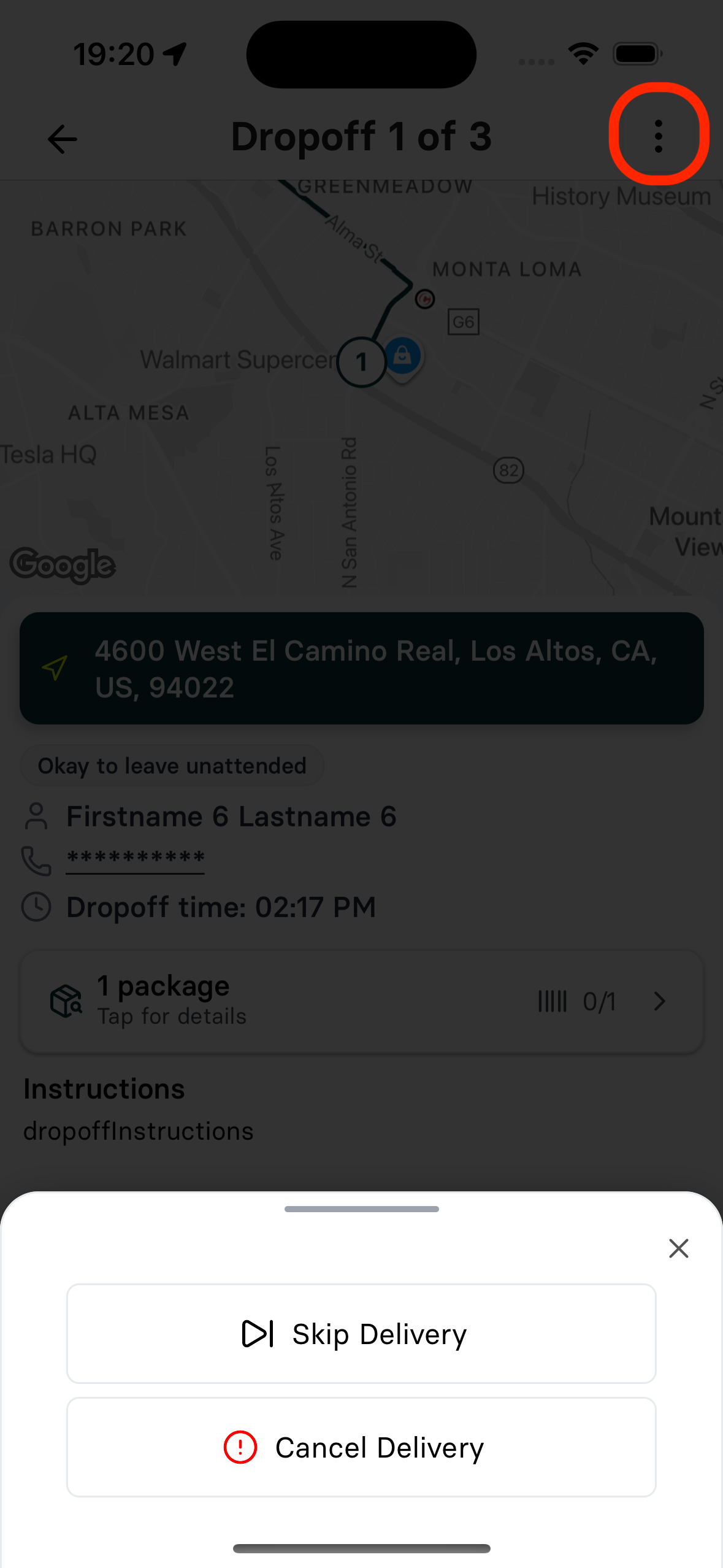 |