Adding New Shopify Location to Nash
Last updated: June 26, 2025
Adding your new Shopify store location to Nash is super simple! Just follow the steps below to make sure everything’s synced and ready for deliveries:
Add Your New Location in Shopify
Start by logging into your Shopify admin. Go to Settings > Locations, then add your new location.
Import the Location in Nash
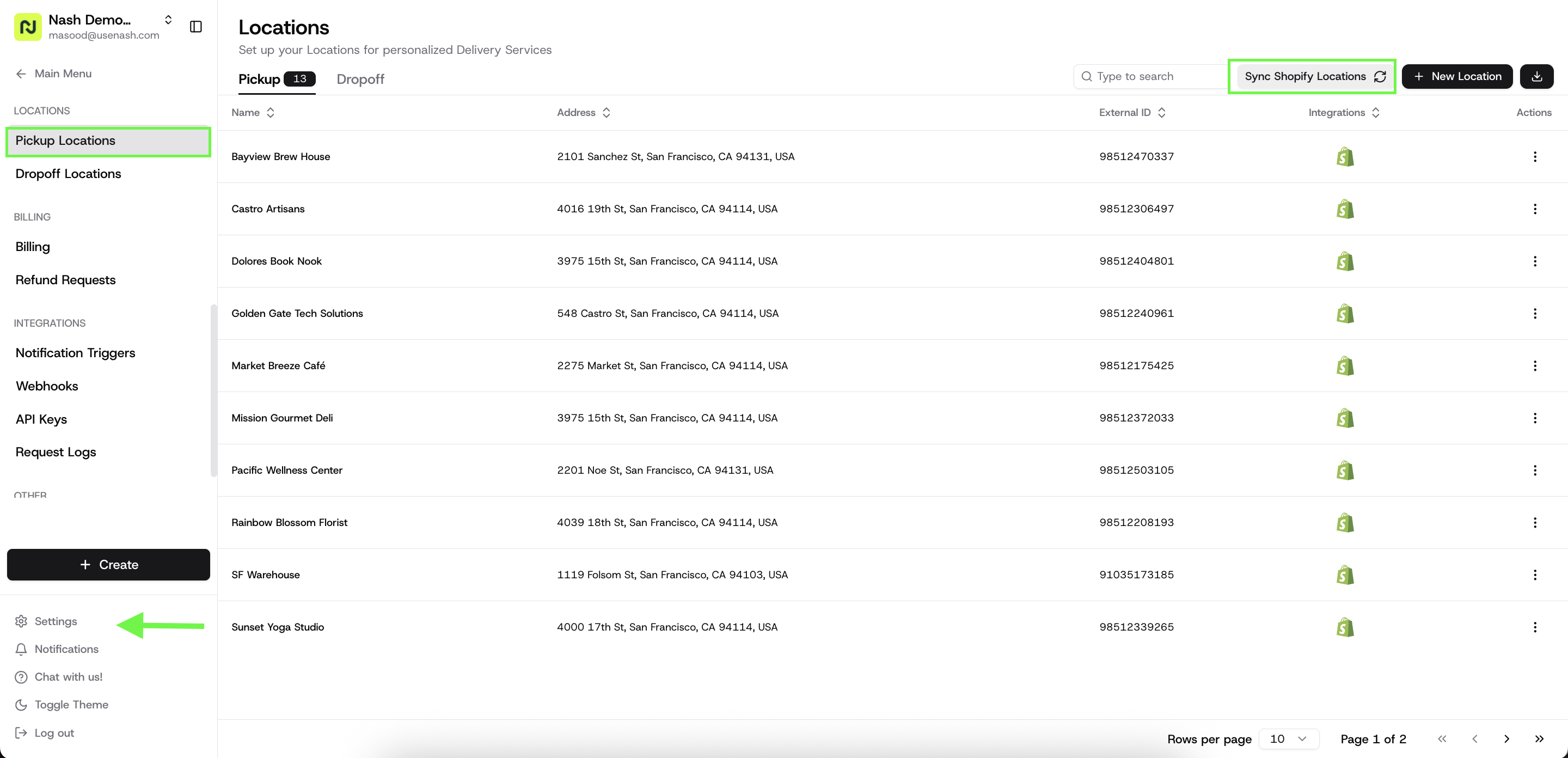
Once the location has been added in Shopify, head over to your Nash Dashboard, navigate to Settings > Pickup Locations, and click on the Sync Shopify Locations button.
This will automatically import your new location
Customize Your Delivery Settings
After the location appears in Nash, click on it to set up the following:
Set your delivery radius
Add your prep time
And define your delivery windows to match your business hours 🕒
And that’s it! You’re all set to start dispatching deliveries from your new location 🚚