View Delivery Summary Details
Last updated: November 19, 2024
Accessing the Delivery Summary in Nash provides a quick overview of key delivery details to support effective management.
Viewing the Delivery Summary
Open the Delivery Details page.
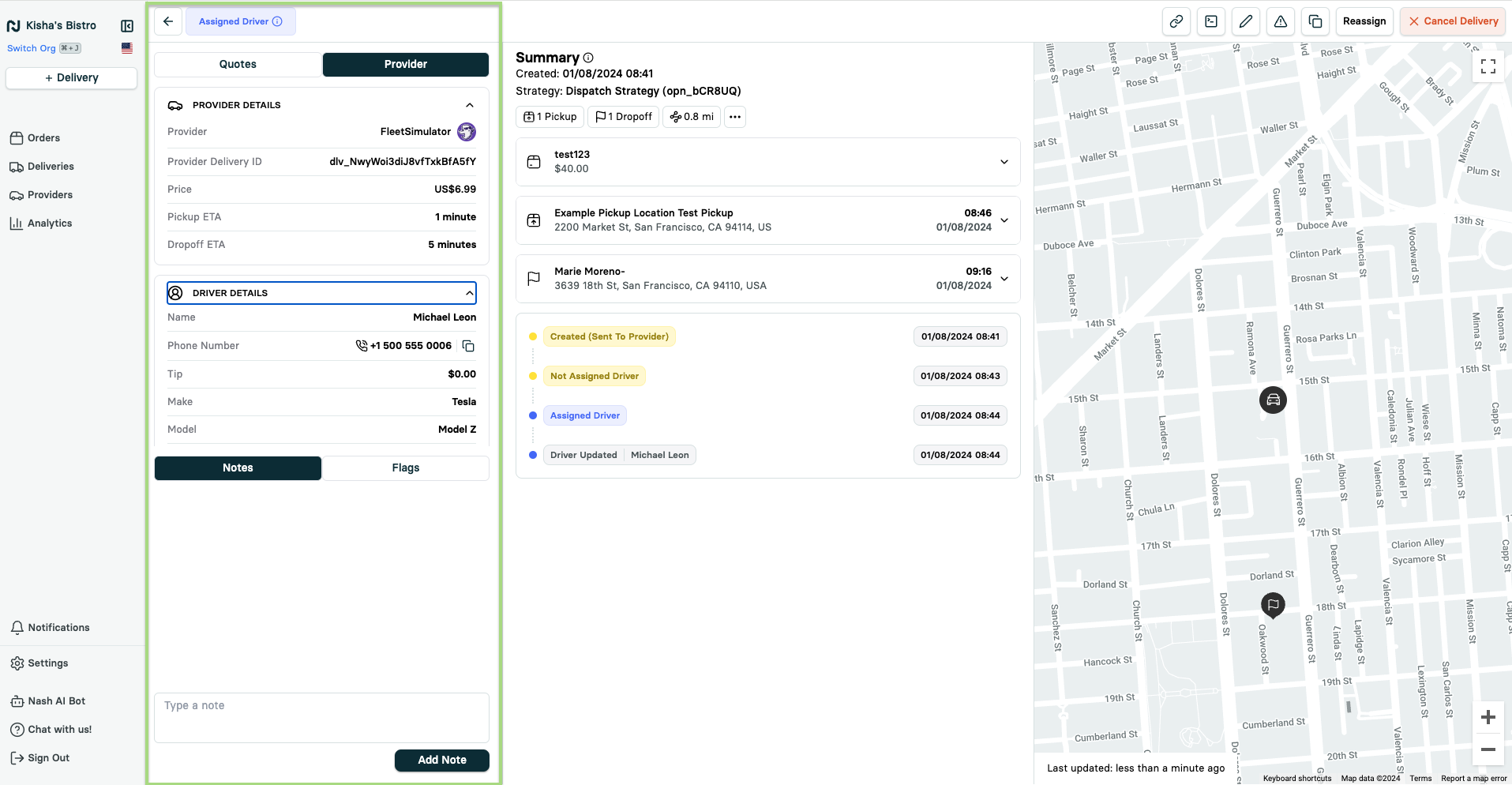
Locate the Summary section in the center of the page.
Details in the Summary
Includes:
Delivery creation date
Dispatch strategy (if applicable)
Number of pickup and dropoff locations
Total distance between pickup and dropoff(s)
Expandable Fields
Expand fields within the Summary to view additional details:
Package information
Pickup location details
Drop-off location information
By reviewing the Delivery Summary, you can quickly access vital information to manage deliveries efficiently.