What Workflows were used on a Delivery
Last updated: October 1, 2025
Checking Workflows Rules on a Delivery
In Nash's delivery platform, you can easily verify if a workflows rule was applied to a delivery. This helps you understand how deliveries are processed and optimize your workflows setup.
Access the Delivery Details
Log in to the Nash Portal.
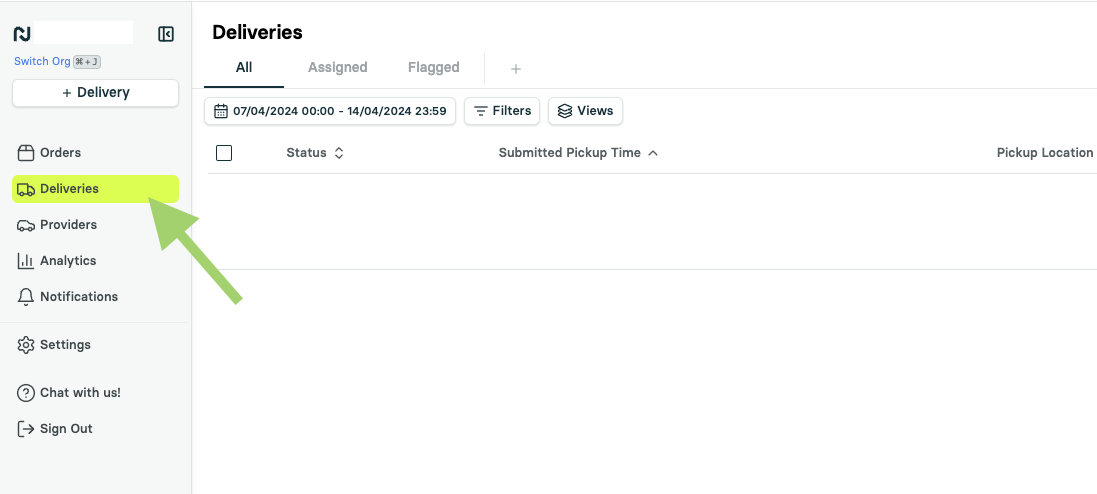
Select the Deliveries on the left to open the delivery history.
Locate the delivery you want to check (use the date selector if needed).
Select the delivery row to open the right-side drawer view.
Scroll down and select See details to view full delivery information.
Check for Workflows
In the Summary section, look for the entry Workflows.
Select the Workflows text to view details about the applied rule.
Example: Workflows: High-Value Deliveries Workflows
No Workflows Entry?
If no "Workflows" entry exists, the delivery was likely dispatched manually or through another method.
By checking these details, you can refine your workflows strategy and ensure efficient delivery management.